
TV + art display
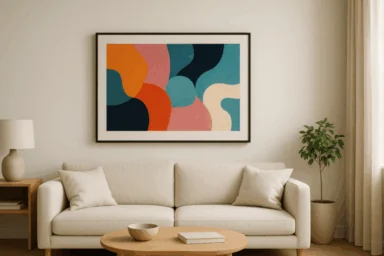
Samsung The Frame
A living-room TV that makes room for art.
4K models · 16:9Read guide ↗
A better way to display what you love
Choose the right digital frame. Get your photos looking their best. Bring a little more of what you love into your everyday.
Independent guides. Useful tools. No unnecessary extras.
Start with the right screen
TV + art display
A living-room TV that makes room for art.
Everyday photo sharing
Keep family photos close, wherever they come from.
Dedicated wall art
A dedicated canvas for photographs and artwork.
Clear specifications and practical tradeoffs, grounded in manufacturer documentation. How we compare
Free tool · Photos stay on your device
Turn your favorite photo into a frame-ready image. Choose your frame, adjust the crop, and download. Simple as that.
Open the photo converter ↗No signup. No upload to a server. Just your image, ready to display.
A little help goes a long way
From sharing photos to getting art onto your TV, start here.
Browse all FAQs →It depends on the frame and features. Aura’s core service does not require one; curated art libraries and some extras may. Compare the costs.
Yes. Prepare the crop, then use the supported SmartThings or USB workflow. Make your photo frame-ready.
Connected frames such as Aura support remote contributions. See how Aura sharing works.
Match the panel’s dimensions and shape. A 4K landscape Frame TV uses 3840 × 2160; Carver uses 1280 × 800. Choose a preset.
More than a screen
A family moment. A favorite landscape. A different view for every season.
Explore art & display inspiration →